
You spend hours creating content that could change someone’s business or life. Then what? It sits on your blog and is unfortunately viewed by no one. That’s the reality for most marketers and businesses who haven’t used content distribution tools. The right tools get your work in front of the people who actually want to read it. Think about it. Currently, more than 6 million blog posts go live every single day. Your content is competing with millions of other pieces for attention.
Without a solid content distribution plan and the tools to support it, your content sits in neutral. But here’s the good news: the right distribution tools can amplify your reach. Let me walk you through what these tools actually do, which ones can transform your content game, and how to choose the best one for you ultimately.
What is Content Distribution?
Before finding a content distribution tool, it’s essential to understand what content distribution is. It is the strategic process of publishing, sharing, and promoting your content across various channels to reach your target audience.
Content distribution is part of your broader content strategy. To be successful within content distribution you have to understand its distribution channels.
There are 3 primary pillars to content distribution channels.
- Owned Media Channels – Platforms that your business owns. Essentially, you have complete control of the content and messaging. They include things like the following:
- Website
- Blog
- Email List
- Earned Media Channels – This pertains to content sharing by other businesses. This generally comes in the form of social shares, mentions in industry publications, backlinks, and word-of-mouth referrals. You build these relationships, create quality content, and strengthen your brand’s reputation.
- Paid Media Channels – Promotional channels owned by third parties. You can pay for content placement or pay for social media ads. Paid media channel examples include:
- Google/Bing ads
- YouTube
What is a Content Distribution Tool?
A content distribution tool is software that helps marketing and writing teams publish, share, and promote content across multiple channels and platforms. What also adds to the importance of a content distribution tool is that it performs all of these actions from a centralized location.
These tools streamline the process of getting content in front of target audiences through automating distribution workflows, scheduling posts, and managing multichannel campaigns.
5 Best Content Distribution Tools
1. Buffer
Summary
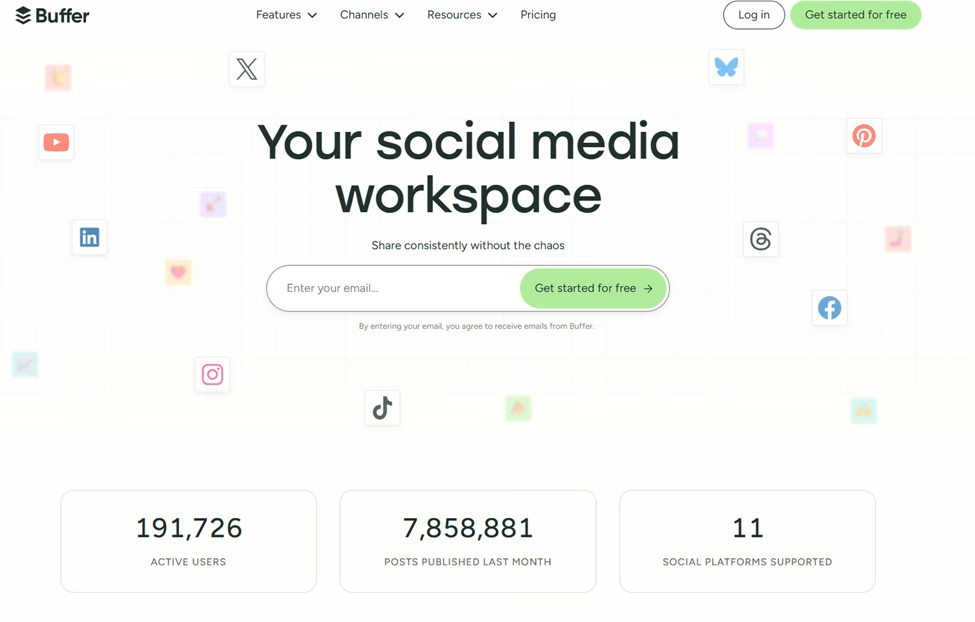
Buffer is among the strongest content distribution tools on the market. The tool is designed to simplify content scheduling and publishing across multiple social networks. The Buffer platform also offers an intuitive set of tools for essential social media management tasks, including post scheduling, queue management, and performance analytics.
What sets Buffer apart from many competitors is its user-friendly interface and its focus on simplicity without sacrificing functionality. This is especially important because of the extensive list of features it has, including creating content, integrating with other platforms, and collaborating with others.
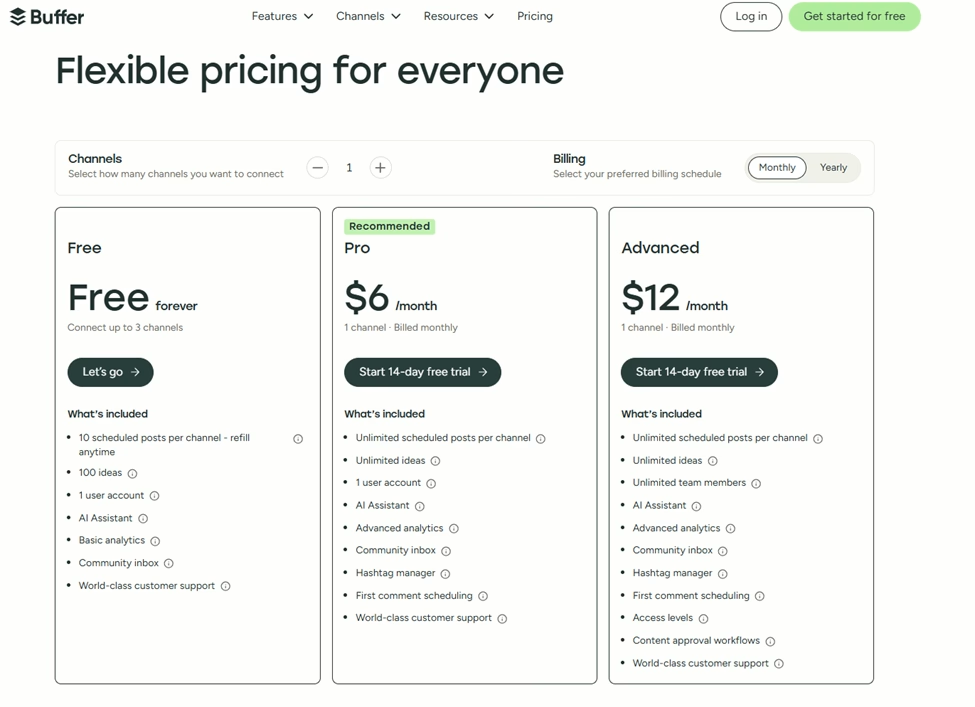
Pricing Range – Free to $12 (Per month/1 channel)
Important Note – Each channel you add to your account incurs an additional cost. If you choose to pay yearly, your cost will differ.
Key Features
- AI assistant
- Customer support
- Platform integration
- Content templates
- Publishing scheduler
- Community feature
Pros
- Free plan includes 3 channels.
- Platform integration with numerous social media platforms, including:
- Bluesky Social
- YouTube
- X (Twitter)
- Google Business Profile
- AI writing assistant
- Platform metrics analyzer
- Performance analytics dashboard and reports
- Customer support articles
Cons
- Essentials and Team price plans only include one channel
- Limited capabilities with some of the social media platform integrations
2. Hootsuite
Summary
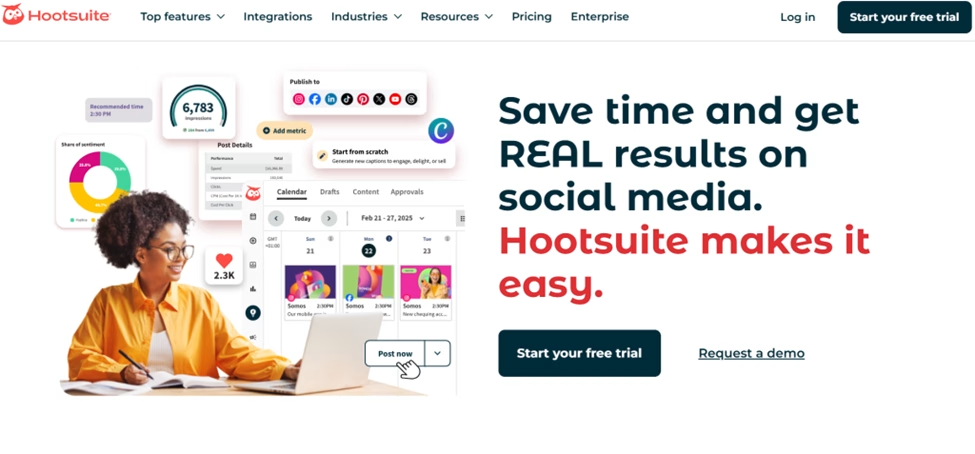
Hootsuite is a social media marketing and management tool. The Hootsuite platform offers a robust set of tools for key content management tasks, including scheduling, monitoring, and analytics.
It can be used by a wide range of industries, including information technology, government, and real estate. Its versatility also makes it suitable for businesses of all sizes, from solopreneurs to large enterprises.
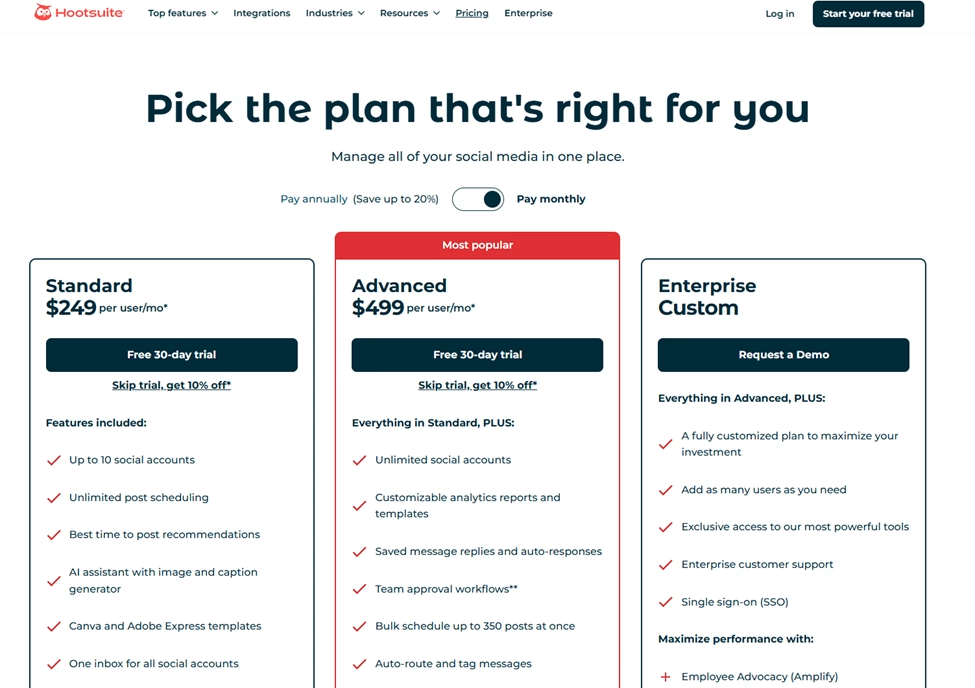
Pricing Range – $249 to $499 (Per month)
Important Note – If you want to use the Enterprise (Custom) pricing plan, you will need to contact Hootsuite’s sales team.
Key Features
- Analytics and reporting capabilities
- Inbox and messaging features
- AI content creation
- Social media advertising
- Publish and schedule content.
Pros
- Offers free tools, including:
- AI caption generator
- LinkedIn post generator
- Sentiment analysis tool
- YouTube name tool
- Instagram SEO tool
- 30-day free trial offer for both the Professional and Team pricing plans
- Offers over 100+ application platform integrations, including:
- YouTube
- X (Twitter)
- Google Business Profile
- TikTok
- Upfluence
- Salesforce
- Vidyard
- Hootsuite Academy offers training courses and certification to help with learning about the extensive product suite
Cons
- Higher price point compared to simpler alternatives
- Steeper learning curve for new users
- No free plan is available
- Both the Professional and Team pricing plans only allow three active user accounts
3. MailChimp
Summary
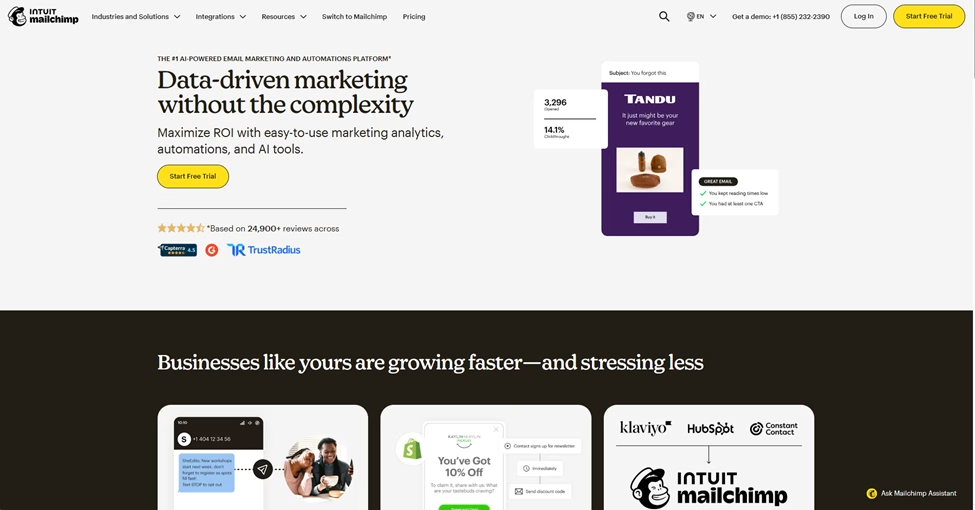
Although it is considered a content distribution tool, many define MailChimp as an all-in-one marketing platform with a strong emphasis on email marketing and automation. The MailChimp platform offers a comprehensive set of tools for email needs, including email campaign creation, audience segmentation, and marketing automation.
Over time, MailChimp has evolved from an email-focused tool into a complete marketing suite that includes landing pages, social media ads, and CRM capabilities. Its scalability and feature set make it ideal for any business looking to expand its reach.
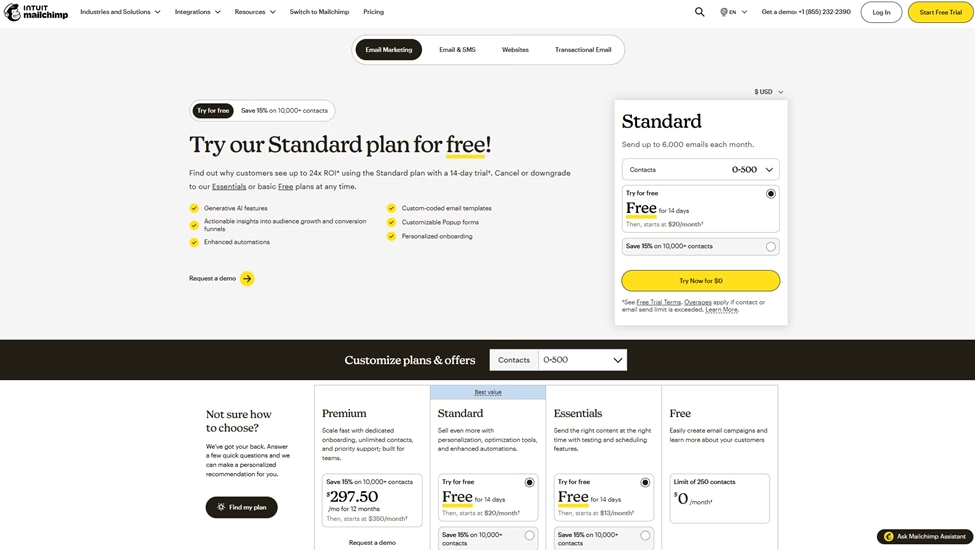
Pricing Range – Free to $297.50 (Per month for up to 500 contacts)
Important Note – Pricing increases after your email count exceeds 500. This is the case for the reach plan.
Key Features
- SMS text features
- Email scheduling
- Email templates
- Marketing automation
- Integrations with various software platforms (300+)
- Customer support
Pros
- Create pop-up forms
- Email scheduling
- Branded templates
- Integrations with over 300 software platforms, including the following:
- Canva
- Shopify
- WordPress
- WooComerce
- Stripe
- Extensive customer support options, including the following:
- Phone24/7 email
- 24/7 chat
- Transactional email feature
Cons
- Free plan lacks features
- Migration services are only offered to the Premium plan
4. CoSchedule
Summary
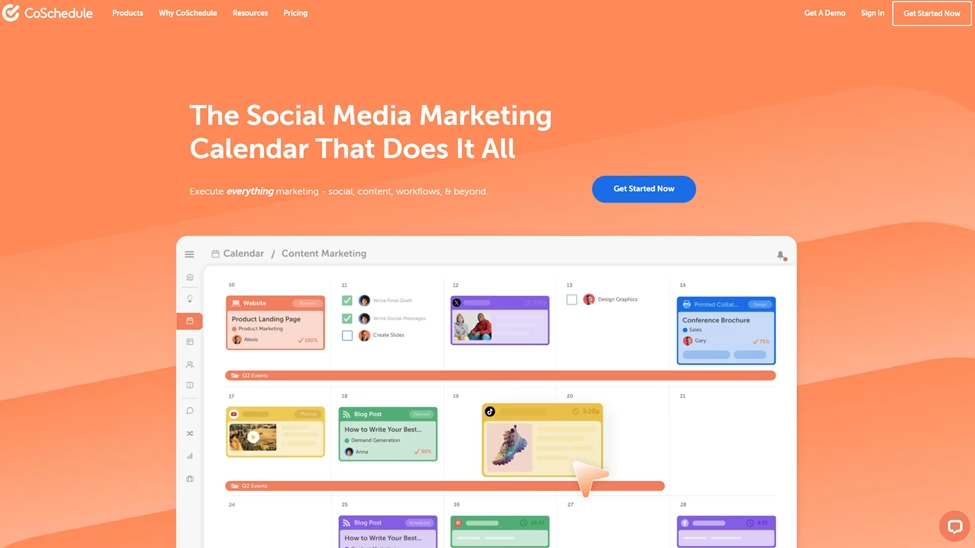
CoSchedule is an all-in-one marketing calendar and project management platform. Its primary focus on social media marketing makes it a strong content distribution tool. This tool allows marketing teams to plan, organize, and execute content strategy from a central dashboard. Through the dashboard, you can publish your content on various social media platforms, including LinkedIn, Pinterest, and X (Twitter), among others.
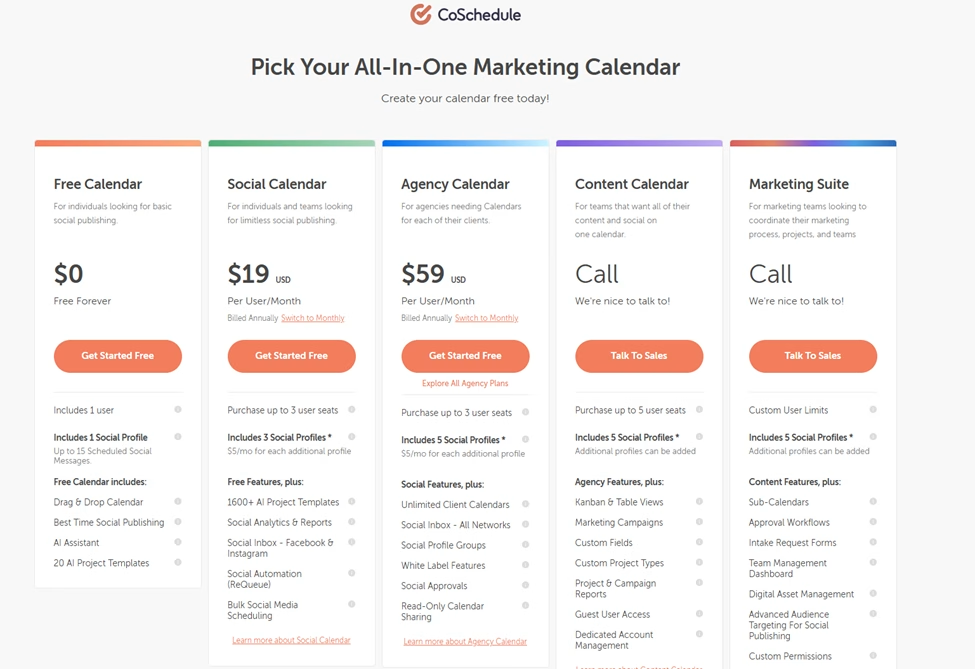
Pricing Range – Free to $59 (Per month)
Key Features
- AI writing tool
- Headline analyzer
- Drag and drop content calendar and customizable color coding
- Social media analytics and reporting capabilities
- AI social assistant and AI campaign assistant
- Report scheduling
- Content performance analytics
- AI image generator
Pros
- Offers a free account
- Pricing
- Create and run marketing campaigns
- Social media posts across the following platforms:
- Bluesky Social
- Google Business
- X (Twitter)
- YouTube Shorts
- Integration with various tools, including:
- WordPress
- HubSpot
- Canva
- MailChimp
- Google Calendar/Google Drive
- Zapier
Cons
- Some advanced features are only available in the more expensive pricing plans
- Steeper learning curve for full platform utilization
5. Sprout Social
Summary
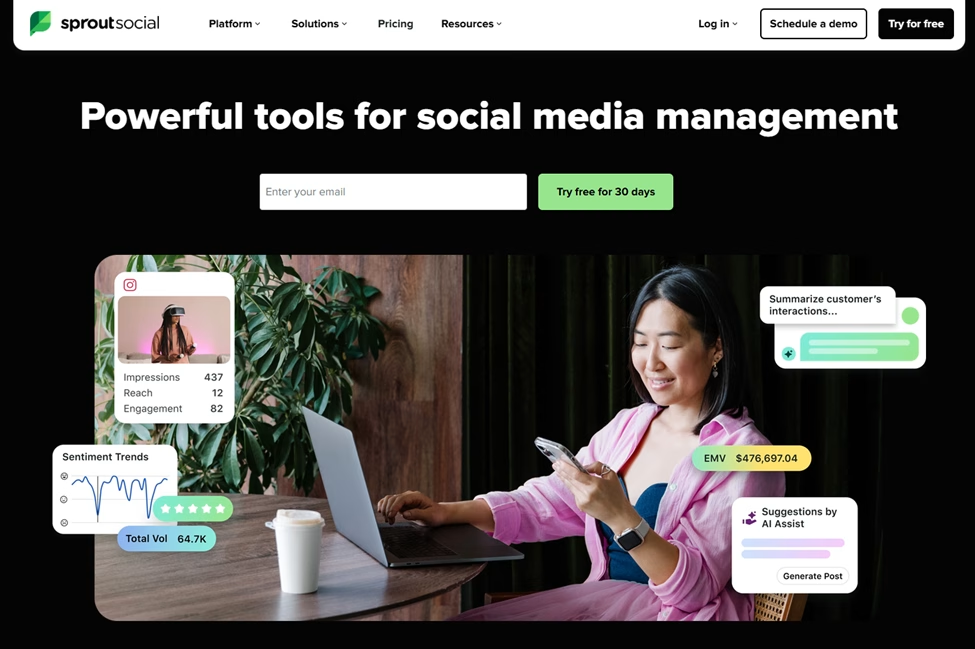
Sprout Social is an enterprise-grade social media management platform that combines publishing, engagement, and analytics into a unified solution. The Sprout Social platform offers a sophisticated set of tools that support comprehensive social media management, including content calendaring and social listening. Sprout Social emphasizes data-driven decision-making and team collaboration features designed for larger organizations.
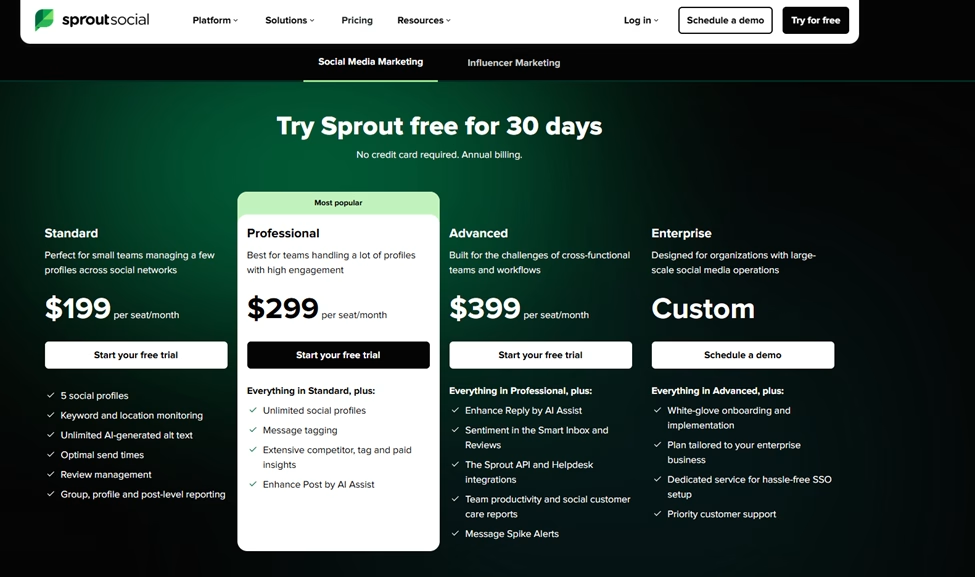
Pricing Range –$199 to $399(Per month/per seat)
Important Note – If you prefer the Enterprise plan, you must contact the Sprout Social sales team.
Key Features
- Message alerts
- Track social profiles
- Integration with various software platforms
- Collaborative content
- Multimedia publishing
- All-in-one social inbox
Pros
- Macro builder
- Facebook, X (Twitter), and Instagram competitor reports
- Social network reports
- Available on mobile apps for IOS and Android
- Integration with various software platforms, including:
- Bluesky Social
- YouTube
- Canva
- Google Analytics
- Google Drive
- Adobe
- Slack
- Offers support features including:
- Live chat
- Self-service training
- Onboarding
- Two-factor authentication
Cons
- No free plan offered
- Price plans are more expensive than most content distribution platforms
- Extensive features can bring a steeper learning curve
Benefits of Content Distribution Tools
Content distribution tools come with many benefits that can help extend your content’s reach. Here is a list of some of the primary benefits that your organization will inherit when using a content distribution tool.
Expands Content Reach Across Multiple Channels
Content distribution tools enable you to publish your content simultaneously across multiple platforms. This helps increase your audience reach beyond what simple posting allows. Instead of being limited to one or two channels, these tools help you establish a presence across many. For example, you can post a video on YouTube, post a photo on Pinterest, or post on LinkedIn.
Saves Time Through Automation and Scheduling
Content distribution tools eliminate repetitive manual tasks by automating publishing. You can plan and queue weeks or months, freeing up valuable time to focus on content creation and strategy, or other key tasks.
Maintains Consistent Brand Presence
Content distribution tools help you maintain a regular posting cadence across all your channels. This ensures your brand remains visible and top-of-mind with your audience. Consistent content distribution builds trust and authority because you’re demonstrating reliability.
These tools prevent gaps in your content calendar caused by manual posting.
Provides Data-Driven Insights for Optimization
Content distribution tools consolidate performance metrics from multiple channels into a unified dashboard. A central dashboard brings all your information together in one place, making it easier to understand your audience and what content resonates most with them.
Once you have additional audience insights, you can refine your content strategy and optimize posting times for maximum impact.
Increases Content ROI and Engagement
The ability to increase your content strategy’s ROI is essential when choosing a tool. A content distribution tool, if used correctly, will help maximize reach by performing several key actions, including:
- Optimizing posting schedules
- Streamline posts across social media
- Repurpose content
Combining these key actions will help get the most out of your content distribution tool, especially repurposing content and streamlining it across social media. For example, creating a blog article for your website, then turning it into a YouTube video and a LinkedIn post.
How to Choose the Content Distribution Tool for You
Picking tools randomly leads to wasted time, money, and frustration. This is something you definitely want to avoid. To choose the best content distribution tool for your business, start by developing a criteria list. To help you get started, below is a list of key criteria to leverage.
Price
The pricing of your software platform is the most essential criterion to consider. It goes without saying that you should avoid anything beyond your budget. You don’t want to overspend. Look at your budget and figure out what you can comfortably pay for. Look for tools that offer a free version or trial.
Ease of Use
Everyone wants to turn on a tool and use it without issues. Look for user-friendly and easy-to-use tools. Even if you choose an easy-to-use tool, make sure the product’s vendor has support options to help you move forward. For example, the following items will help you:
- How-to guides
- Tutorial videos
- 24/7 support team via email, chat, and/or phone
Unfortunately, no tool can be used without an issue. As a result, it’s essential to have support for minor issues you may encounter.
Features
When researching your potential choices, consider the platform’s features. When doing so, consider what you and your team are trying to accomplish. Also, think about what’s important to everyone, for example:
- What do I want to use the tool for?
- What features are most important to me/my team?
- What features will the me/my team realistically use?
Answering these questions helps eliminate the features you don’t need. Although many features are listed throughout the article, such as a central dashboard, calendar, and platform integrations, below is a short list of additional key features to look out for.
- Analytics and Performance Tracking
- Automation and Scheduling Capabilities
Target Audience Reach and Channel Coverage
When evaluating content distribution tools, it’s critical to assess whether the platform supports the channels where your target audience is most active. Not all distribution tools offer the same channel coverage, so you need to ensure the tool aligns with your specific distribution strategy. For example, if your audience primarily engages on LinkedIn and X (Twitter), a tool that focuses heavily on Instagram and TikTok won’t serve your audience and business.
Conclusion
Choosing the right content distribution tool can make a significant difference in how far your content reaches and how it performs. The five tools covered in this guide bring unique strengths to help you publish, share, and promote your content across multiple channels. The key is to evaluate your needs, budget, and target audience before making your decision. Use the criteria we discussed in this guide to help narrow down the best content distribution tool for you and your organization and start maximizing your content’s potential today.